
Key points
- ChatGPT Wallet is an OpenAI innovation launched on Nov. 13, 2026, that lets a ChatGPT “dot” make payments through its stored credit card, although each transaction has to be approved using either Face ID or Touch ID.
- It is being introduced slowly to ChatGPT Pro subscribers in the United States that are 18 years and above with an American Express, Chase, Mastercard, or Visa credit card issued in the US.
- The help center of OpenAI states that debit and virtual cards are not supported at launch, and a Chase card must belong to the primary cardholder and not an authorized user.
Table of Contents
OpenAI’s latest ChatGPT Wallet is a way for the company’s shopping agents to check out for you, and its help page spells out what it will and will not do.
Our tech desk analyzed the process of setting up the service along with the restrictions, as the latter determines eligibility for using ChatGPT Wallet and the consequences of a transaction.
Who can use ChatGPT Wallet
OpenAI claims that the feature is being rolled out gradually, meaning that even an eligible Pro user in the US may not yet have it. You need to be 18 years or above, reside in the US, and have a US billing address on your card.
The Wallet function will work in conversations with the dot, which refers to the ChatGPT agent. According to its help page, the feature is not available in Chat, Work, or the standalone Codex conversations. You first create a dot and then request it to add a card.
Which cards work
US-based credit cards from American Express, Chase, Mastercard, and Visa are supported. Debit cards are not supported. Virtual cards are not supported at launch either.
For Chase, the individual who adds the card has to be the primary cardholder. The authorized user will not be able to add the card. Your bank will also request you to verify your card through its app, which will either send you a verification code or approve the addition.
OpenAI asks the user to enter the card details in the secure form provided by OpenAI and nowhere else.
How a ChatGPT Wallet purchase is approved
The saving of the card and the purchasing decision are two different procedures. Once you reach the payment gateway, you get a prompt that will include the merchant’s name, items to be purchased, the total amount, the saved card, and any shipping or recurring-payment terms.
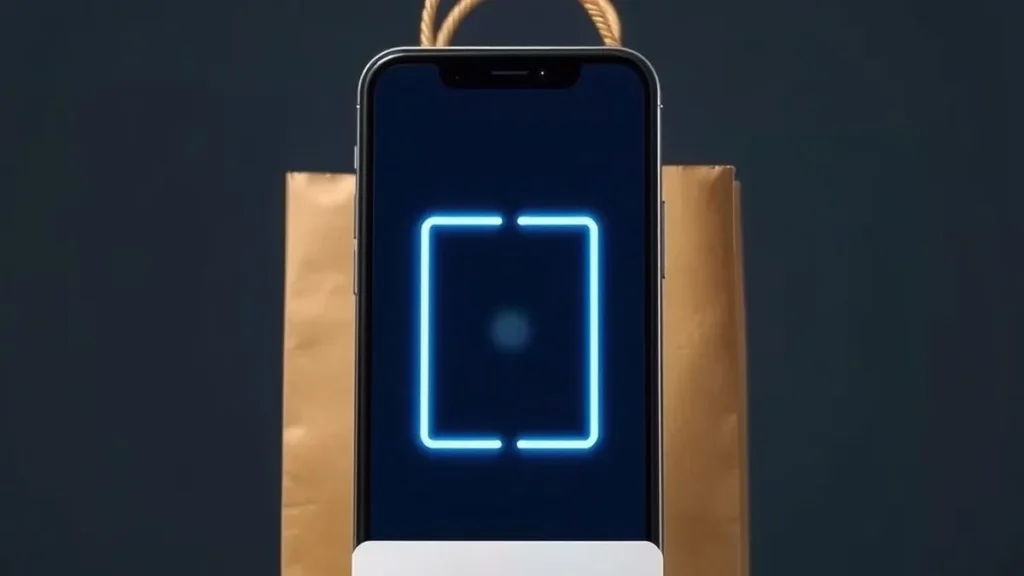
Approval is achieved by biometric authentication like Face ID or Touch ID on a compatible device. However, if your device isn’t compatible, then the link or QR code assists you to do your authentication from any other device, which is logged into the ChatGPT account.
After approval the dot continues checkout. You should be aware that “Ready to check out” means that you have finished your process of approval but it does not mean that you have placed an order yet.
Why the card number looks different
This payment solution does not transfer any of your card details to the merchant. After you agree on a payment, Wallet generates a payment token, which OpenAI describes as a substitute for your actual card details. The token has its own card number, security code, and expiration date.
In other words, the figure on the bill will not be the same as that on the card. The token ensures that the payment goes through by getting to your card without exposing your real card number to the merchant and the agent.
When something goes wrong
Support options are provided by OpenAI in three categories. For any concerns about order status, refund, or return, you should contact the merchant. For any concerns about disputes, unrecognized or declined charges, you should contact your card issuing company. For Wallet errors, a purchase that differs from what you approved, or unauthorized access to your account, you should contact OpenAI Support.
If there still exists some outstanding charge even though the checkout process has failed, the help section says you should check for confirmation from the merchant and see if the order has been placed by the merchant or not. If you have opted for recurring billing, then the merchant may use the same payment credential for future payments.
OpenAI believes that ChatGPT Wallet may not be able to conduct a payment at all stores.
What ChatGPT Wallet means for shoppers
The ChatGPT Wallet has been designed such that the user is aware of all the transactions. The confirmation page is the place where you can spot any mistake regarding size, amount, or the unwanted subscription.
Take everything into account before giving your approval, and do not forget to keep the merchant’s email confirming your purchase.